


Deliver It Your Way
Your brand.
Our print.
We print it, pack it and ship it straight to your customer, in unbranded packaging wearing your label. Direct-to-customer delivery that makes your business look good, at no extra cost.
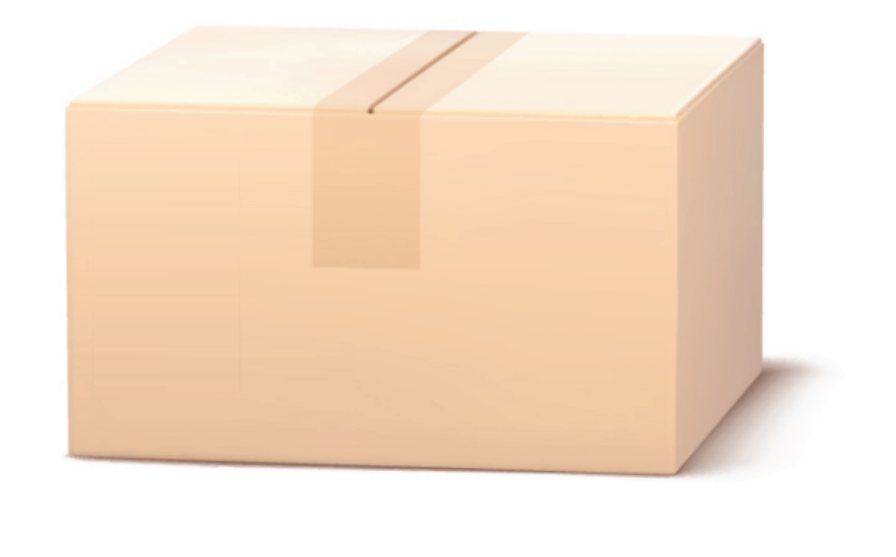
Blind shipping is standard.
Every order ships in plain, unbranded packaging. There is no Mediapoint name, no logo, no docket with our details on it. Nothing that tells your customer who actually printed the job.
- We stay behind the scenes.
- We print. We pack. We send.
- You take the credit.
You do not need to ask for it or tick anything. It is how every single order leaves the building.
Your brand. On the box.
Add your own branded Company Label and the package arrives looking like it came from you, because as far as your customer is concerned, it did.
- 100 x 150mmLabel size
- Full colourPrinted
- FreeCost
- OnceUpload it
- Uploaded once and saved to your account
- Selected at checkout, or applied automatically
- Replace or remove it any time your branding changes
“We will use this file to print a colour 100x150 mm label that can be applied to your packages.” Straight from your Company Details page
Setting it up takes one go.
Six steps, once, and every future order can carry your branding.
- 01
Open Company Details
In your account, go to Settings, then Company Details. The Company Label block sits below your business information.
- 02
Download the template
Use the Download label template (PDF) link in that block. It is already set to 100 x 150mm, so your artwork comes back the right size.
- 03
Design your label
Put your logo, brand and contact details on it. This is what your customer sees on the box, so treat it like packaging, not paperwork.
YOUR LOGOyourbusiness.com.au1300 000 000100 x 150mm - 04
Upload the finished PDF
Upload it as a print-ready PDF, up to 10MB. We generate a preview so you can check it before it goes anywhere near a box.
Upload PDFPDF only, up to 10MB
- 05
Save it to your account
Save, and it stays on your account. You only ever do this once, and you can replace or delete it whenever your branding changes.
YOUR LOGOSaved to your account
- 06
Choose how it applies
Tick it per order at checkout, or set it once in Delivery Settings and never think about it again.
Add Company LabelYes
Add something extra.
A second free 100 x 150mm label, uploaded at checkout. Unlike the Company Label, this one is unique to a single order, so it can say whatever that order needs it to say.
- Promotions and offers
- Thank you messages
- Supporting documents
- Contact details
- Order details
- Campaign messaging
“Boost your customer experience with a Feature Label. Use it for promos, thank you messages, supporting documents or added branding.” Straight from the checkout page
Added during checkout.
No setup, no saved settings. You add it while you are placing the order.
- 01
Build your order as normal
Configure the job, upload your artwork and approve it. Nothing changes about how you order.
- 02
Find the Feature Label block
At the delivery step of the cart, below your address, there is a Feature Label block.
Boost your customer experience with a Feature Label. We can print and apply a colour 100 x 150mm label to your packages at no extra cost.
- 03
Grab the template
Download label template gives you the same 100 x 150mm sizing as the Company Label.
- 04
Upload your artwork
Upload a print-ready PDF up to 10MB. A preview appears so you can confirm it is the right one before you commit.
Upload PDFPDF only, up to 10MB
- 05
Place the order
Check out as usual. We print it, apply it, and it ships with that order only.
This label is for this order only.
Which label is which?
One is who you are. The other is what you want to say this time.
Your branding, every time
- Permanent business branding
- Saved to your account
- Upload it once
- Manual at checkout, or automatic
- Free
Your message, this order
- Order-specific message
- Uploaded during checkout
- Not saved to your account
- Change it every order
- Free
Both labels are free.
Why choose? Use both.
What actually turns up.
- Company LabelYour branding
- Feature LabelYour order-specific message
- Unbranded packagingNo Mediapoint branding
- Direct deliveryStraight to your customer
Your customer. Your brand. Our print.
Start to doorstep.
- You order
- We print
- We pack
- We add your branding
- We ship direct
- Your customer receives it
You take the credit.
Ready to make it yours?
Set your label up once and every order after it arrives wearing your brand.